
VisYOUalize Yourself in Stage3D (iOS/Android/Web)
September 21st, 2012
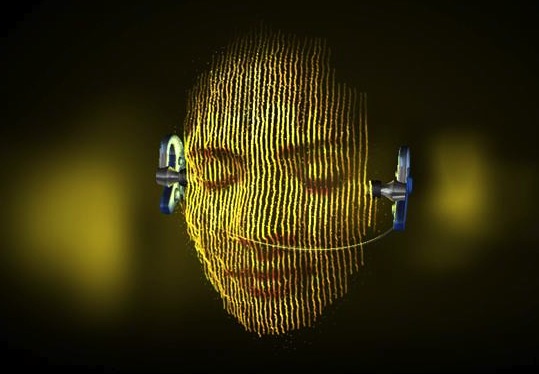
Very nice and unique audio-visualizer for DENON Headphonesby BBDO NY and Jam3 built with Flash/Stage3D and ported to iOS and Android via Adobe AIR.
Check the VisYOUalizer website
Download for iOS
Download for Android
The Production Case Study:
Feathers: Stage3D & Starling-based UI controls
September 18th, 2012
Lightweight, fast, efficient, skinable.
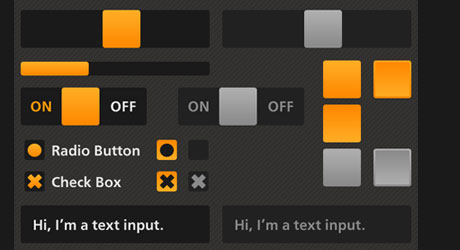
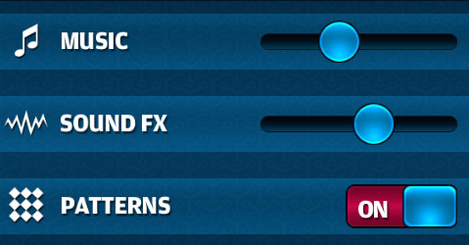
Are you building Flash/AIR games or apps and looking for UI controls library? Well, Feathers UI by Josh Tynjala is a total must have.
Check it out at FeathersUI.com

Wonderputt for iPad - fabulous mini golf game built with Flash released
September 13th, 2012
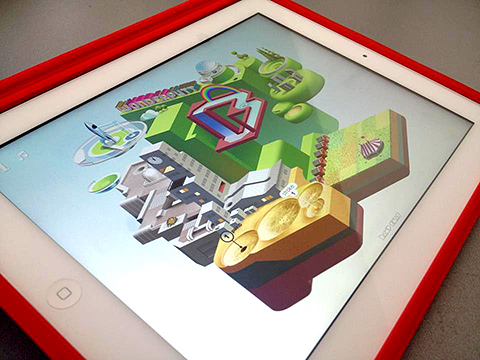
The well-known and award-winning fabulous mini golf game by Reece Millidge from UK has been launched on iPad and is available for $0.99.
The game is built with Adobe Flash and compiled using Adobe AIR 3.4 for iOS. It uses GPU renderMode, supports Game Center via AIR native extension and looks wonderfully crisp in retina resolution on iPad3.

(*Click to open full image)
I had a quick chat with Reece about the game:
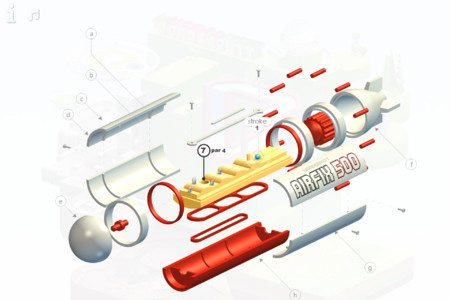
Wonderputt was actually built on the framework of Adverputt but this time I wanted a rich and animated environment, free of integrated brands. So as it had to be a full static isometric screen, I naturally looked towards styles and illustrators that use this perspective to full effect. Everything from old encyclopedia illustrations and their geographic cross sections, to bar chart statistics and air fix kit assembly info graphics. Isometric view also allows for playful illusions with space and structure, so M.C.Escher was an obvious influence there. The final look ended up like a fusion between the rich bustling cityscapes of Eboy and the sublime light & airy landscapes of Josh Keyes.
How long did it take to complete Wonderputt?
Initially I had estimated a two month production period, but it ended up taking almost six months over a year period between contract work. This happened mainly because the game outgrew the initial concept and size.
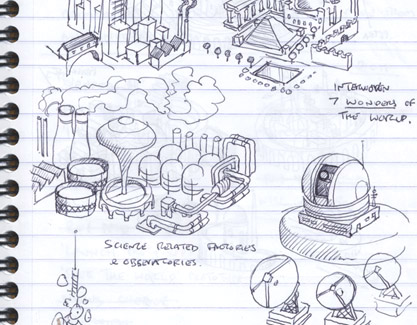
You can look back over the process in my development diary.
What tools did you use to build the game?
3DStudioMax (for small objects) but mainly Adobe Photoshop, Flash Professional, AIR 3.4, Flash Develop and cheap WHSmith note pads.
How did you implement the physics?
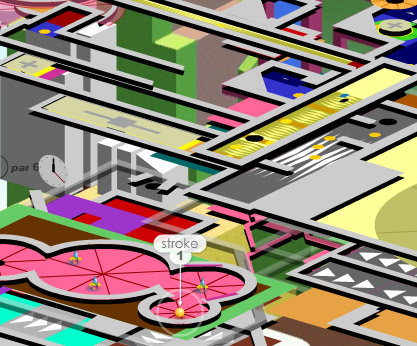
A top view level design was assembled from nine height layers in Flash to be used for ball collision detection. These layers were skewed to create the illusion of 3D space and the ball simulated using basic physics, my own engine. When the ball collided with each ramp, the height and force on the ball was calculated geometrically. After the levels were playtested in this skeleton form, a screen grab was captured and painted over in Photoshop to build the illusion of a fully realised 3D world. Animated transitions between each hole were done directly in Flash using a mixture of bitmaps and 2D vector graphics.
How did you bring your web-based game to iOS?
Tom Krcha convinced me it could be done, even though I remained sceptical knowing how unorthodox Wonderputt’s methods were. So with Tom’s guidance I went through the process of optimizing the game, converting a lot of vectors to bitmaps and reducing alpha use and blend modes etc. Then by accident we discovered it worked at Retina resolution on the new iPad3. So I added double sized textures to dynamically swap in depending on the device.
The new crisp graphics and improved performance using AIR 3.4 resulted in an even better version than the original!
Was the game up for any awards?
It won Best Physics Game on Jayisgames, but it really took me by surprise when it became a finalist at the IGF and then the Develop Awards this year for Visual Art. I’m also quite chuffed that its one of Kotaku’s 6 Best Games on Web Browsers.
What are your next plans?
The sequel to my first Flash game Icycle is up next. That’s going quite well, but distractions are constantly pushing back completion. Hoping to release that at Christmas or early next year online and on iOS with Chillingo. I’m extremely pleased with the port of the original, so I plan to release that together with the sequel. After that, too many projects to know which to start 
Wonderputt for iPad trailer:
Delta Strike “Fleet”
September 12th, 2012
Watch the new video of Delta Strike “Fleet” Stage3D/Flash 11 game.
McPixel in Flash on iOS and Android
September 12th, 2012
McPixel.net
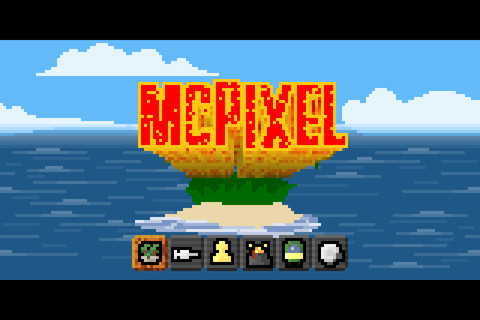
This is a pretty cool puzzle adventure game built with Flash and ported to iOS and Android via AIR. The game is built with FlashPunk engine.
Download here for iOS
Download here for Android
There is also a free version available - look for McPixel Lite.
Super Hexagon for iOS in Stage3D and AIR
September 9th, 2012
 Super Hexagon is a new game by Terry Cavanagh (the author of VVVVVV - play demo here).
The game is built with Flash/Stage3D and compiled to iOS with Adobe AIR 3.3.
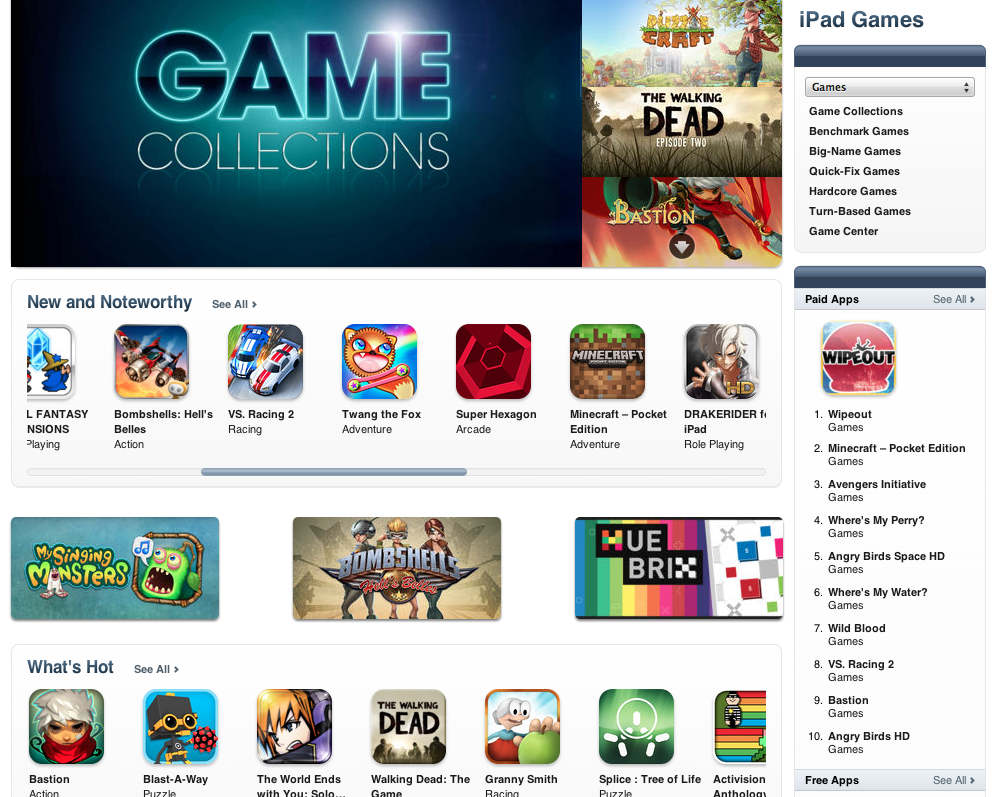
The game is currently featured in the new & noteworthy section in Games category in Apple’s App Store.
Herokon Online MMORPG game launched in Stage3D
September 6th, 2012
Herokon Online is a new revolutionary Flash 11/Stage3D-based MMORPG game by Silver Style Studios from Berlin, Germany. The game has entered open-beta and everyone can play it now.
Play Herokon Online (Facebook login available)
Watch the trailer:
I had a great chance to meet with the Herokon guys in Berlin and do an interview about the game. I have asked Sebastian Tusk (CTO Silver Style Studios) several questions.
(* click images for full-resolution)
Sebastian: We’re now working around one and a half year on the game. The team grew from 12 to more than 40 people, working in the departments Programming, Art, Game Design, Marketing and Management.

Me: What is Herokon Online about and where does the game idea come from?
Sebastian: With Herokon Online we wanted to create something special. The game uses the “The Dark Eye” license, which is Europe’s most successful roleplaying brand. The game world Aventuria is huge and very complex. Hundreds of rulebooks and books describing cities, flora and fauna, people’s lives, political situations etc. have been released. We are going to build up the entire gaming world, which is a quite big task. Since most of the staff working at Silver Style played “The Dark Eye” during their youth or college time we know the system very well and feel quite connected to it.

Me: Herokon Online is using Stage3D introduced Flash Player 11.Have you build your own engine or do you use a publicly available one. Why?
Sebastian: We’ve built our own game engine called LightStream. Before starting with the project we researched the available graphic engines but found that none fit our requirements. We wanted a unique look that feels like traditional RPGs with hand-drawn and highly detailed artwork and is easily accessible. Based on that, we settled on 2D graphics enriched with the abilities of a hardware-accelerated graphics API.
The main benefit of using Stage3D is the ability to display a full screen window of the animated game world at a high frame rate. We use an advanced texture splatting algorithm to draw a detailed background layer based on a few small textures. Over this we compose the sprites of the maps using a highly optimized batch renderer, which can display arbitrary large textures. This allows the creation of a very detailed game world with low bandwidth and only moderate memory use. Combined with particles and post processing effects we achieve a look that has yet to be matched by a flash based MMO.
Another important feature that Stage3D provides is rendering to textures. We use it to pre-bake the avatars of player and non-player characters that populate our world. While baking we can individualize each avatar to show equipped items and create a wider variety. Stage3D allows us to perform this calculation on the GPU, drastically reducing load times.

Me: How did you create the world?
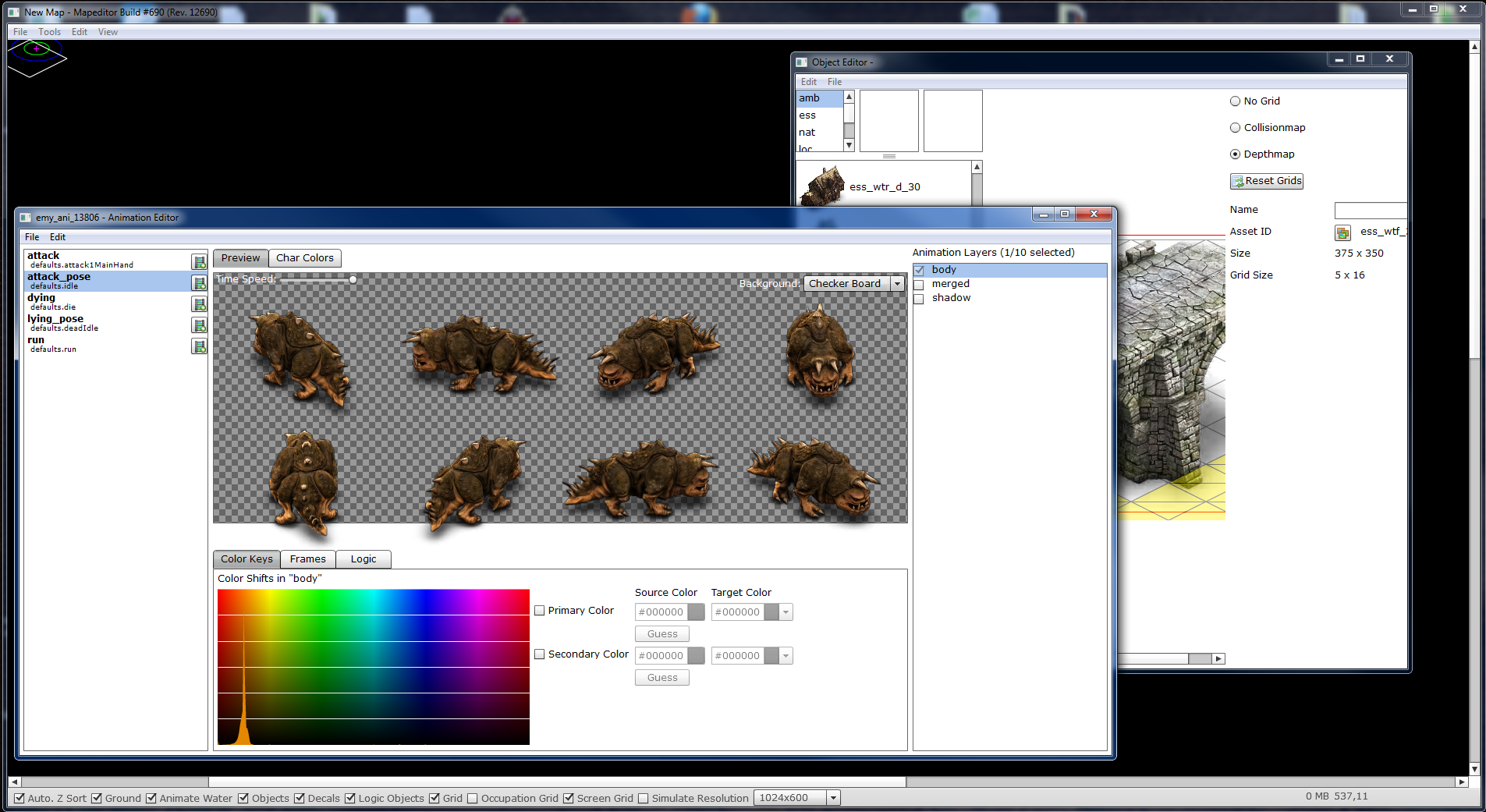
Sebastian: Technically our game world consists of a large number of maps, which can be instanced for the players. Maps consist of a ground layer, many sprite objects and some particle systems as well as information about accessible regions and where to spawn non-player characters. The ground layer is created by combining several detail textures representing different materials such as earth, gravel, grass or dirt. It also has the capability to render water surfaces. Most of the rest of the world is made up from sprites used for objects and decals like trees, individual stones or buildings. Since we use a streaming approach when loading this graphics from the server, our maps can become quite large without long loading times.
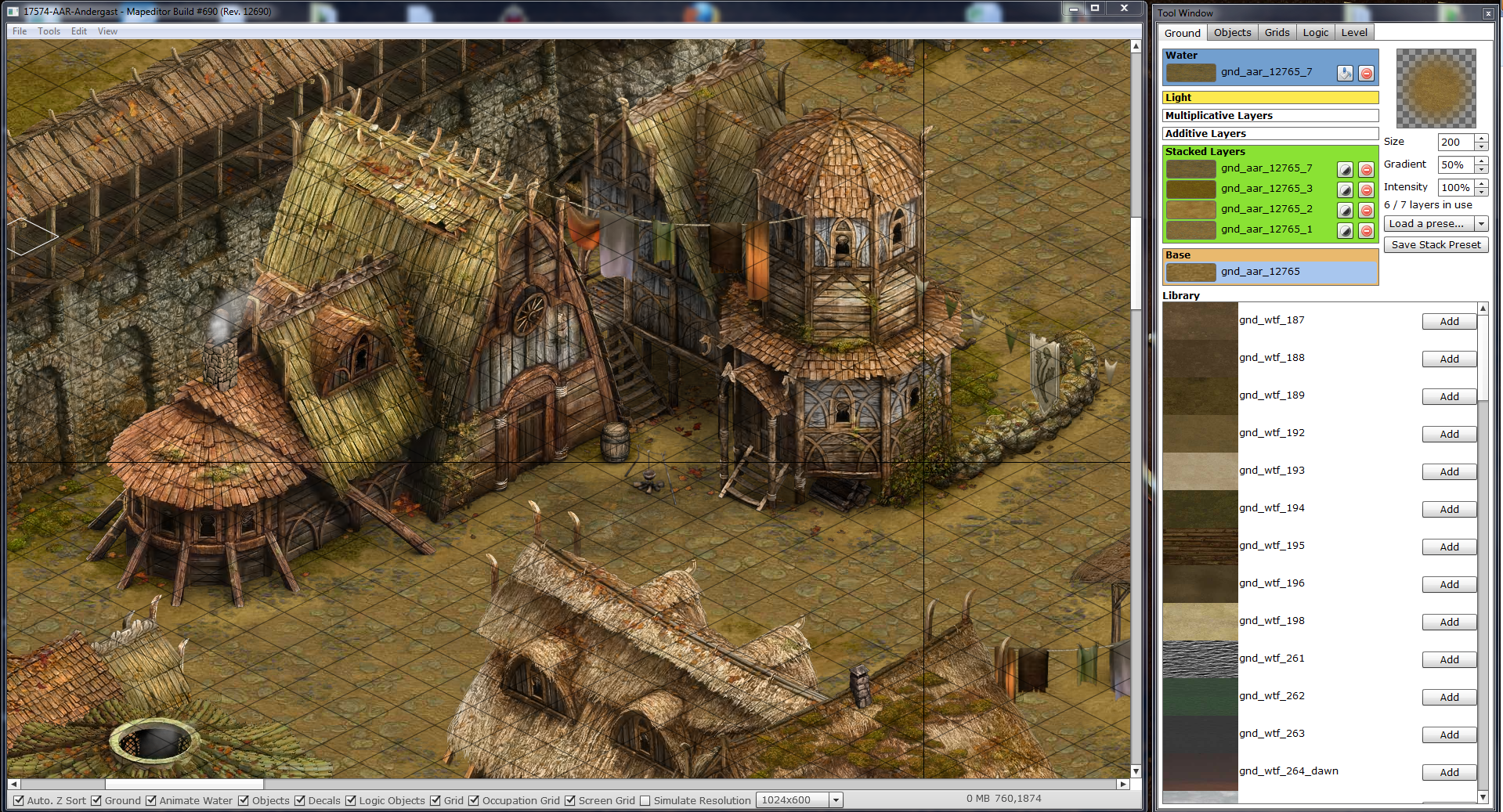
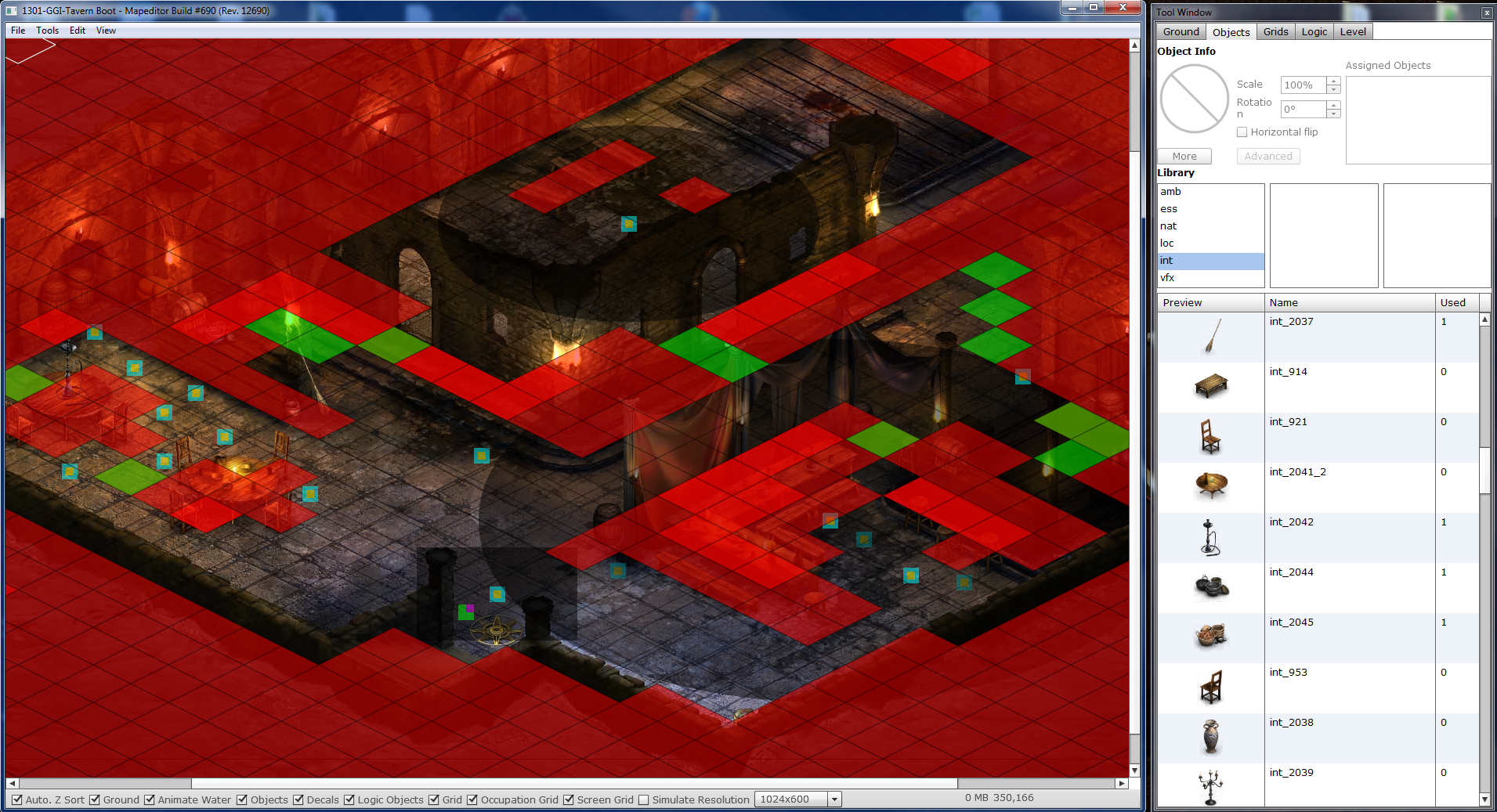
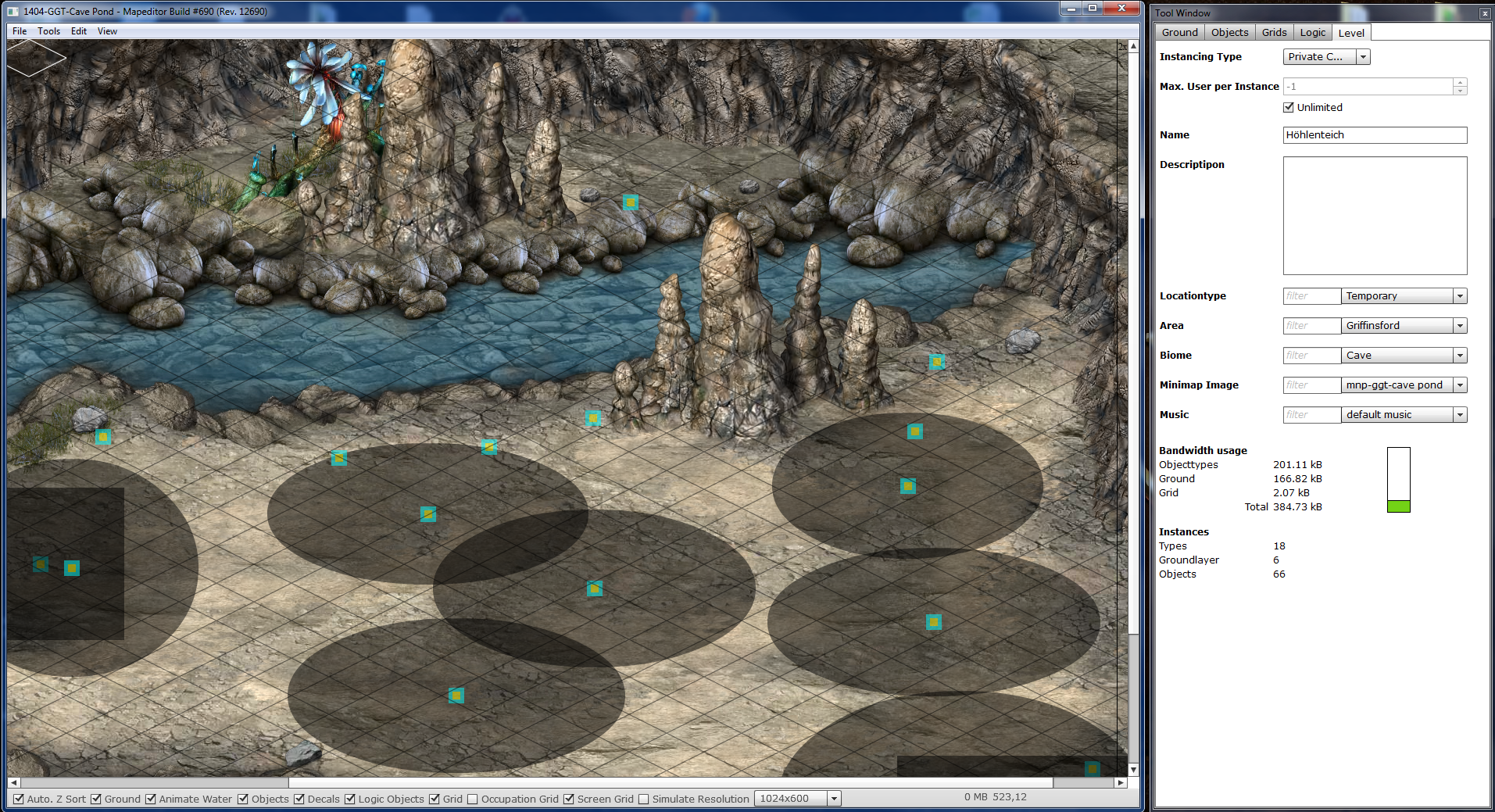
To build the world of Herokon Online, we created a wide set of tools using Adobe AIR and the Flex SDK. Using the same technology for the tools and the game allowed us to reduce wide parts of the client code when creating the tools. Adobe AIR made it easy to deploy the editors to our designers without distributing additional middleware.
Level editor:
Me: What are your next plans?
Sebastian: Currently we are working on expanding our engine to include real 3D objects, especially bone-animated avatars. This will make animations real smooth and allow us to enable even more customization of player characters. The new concurrency API is another interesting thing to explore.
We are also looking forward to the upcoming features announced by Adobe, that will benefit our players, such as ATF texture compression.
But personally I am just dying to get my hands on the next version of Project “Monocle” to optimize the hell out of the game.
Level builder:
The Making of FarmVille 2
September 6th, 2012
Watch Tim LeTourneau (VP of Games, Zynga) talking about FarmVille 2. Built with Flash Player 11, Stage3D and in 3D.